-
Products
-
-
Medical Supply
-
-
-
Medical Supply
-
-
-
image

-
-

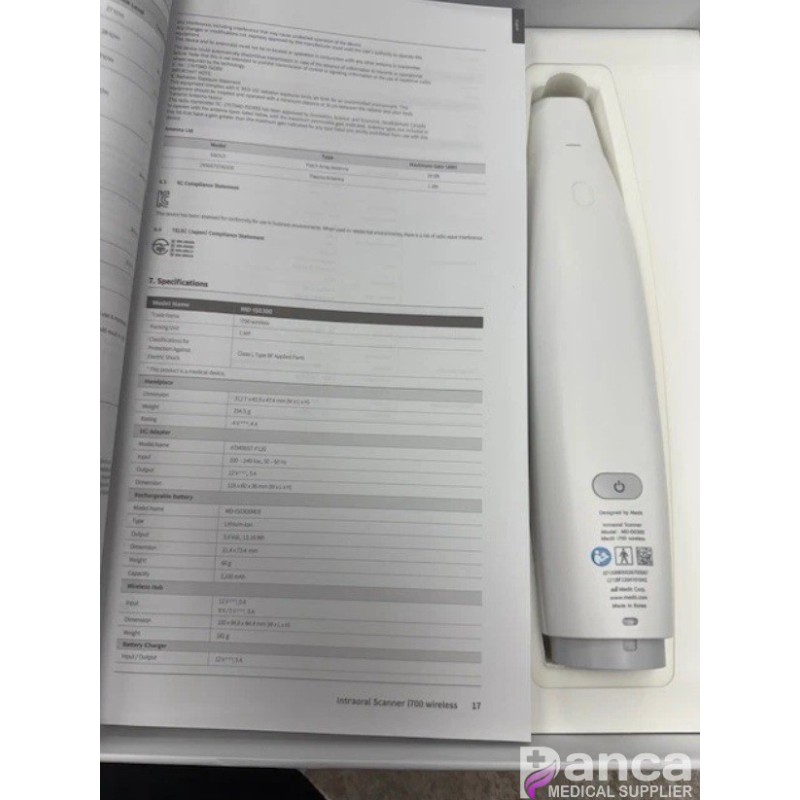
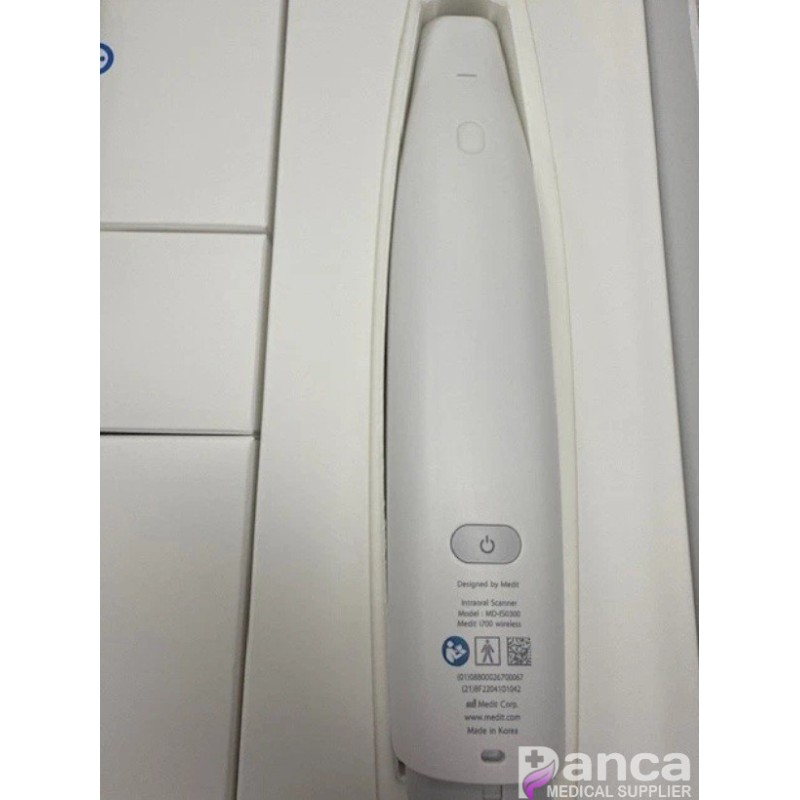
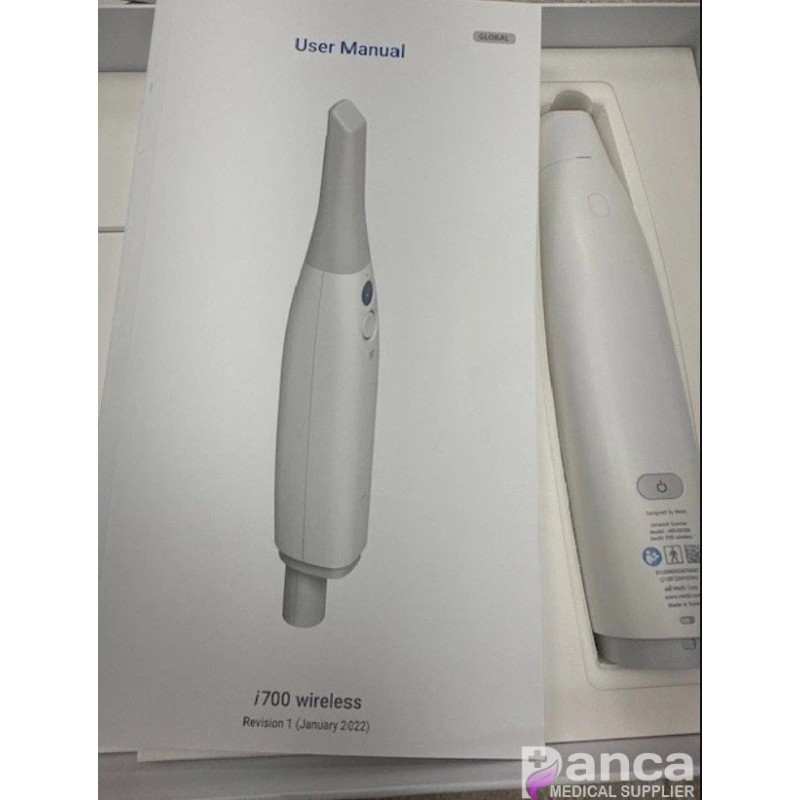
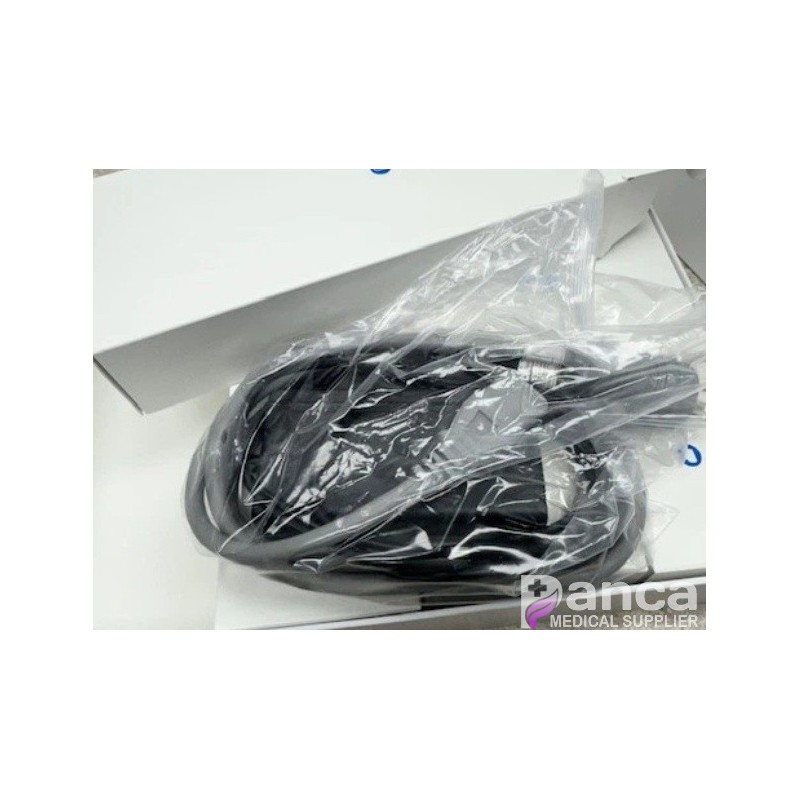
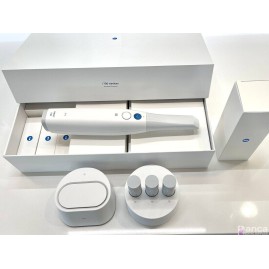
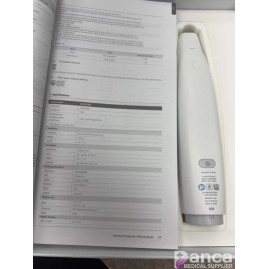
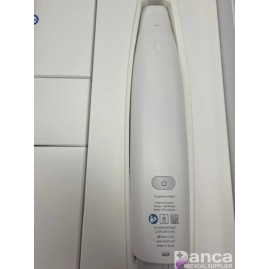
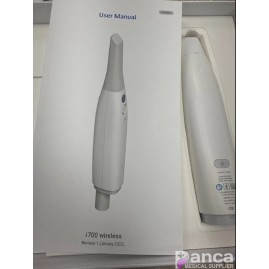
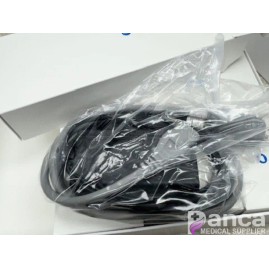
Medit I700 Dental Intraoral Scanner
$6,750.00
Tax included
Fast, Precise Scanning. Elevate your dental care with the top-tier Medit i700, making visits quicker and more comfortable without sacrificing accuracy.
MEDIT I700 WIRELESS
Includes Online Training Videos, Manufacturer Support
N.B. CAD Finder is a discounted purchase solution with self education and support intended backed up by intuitive online learning videos. If you would prefer integrated full Level 7 Education, full remote installation and training as well as 24/7 support for 3 years, then consider the IDDA Scan Club as an alternative option. www.scanclub.co.uk
Medit i700 Wireless is the next generation of dental scanning. It is ergonomic, cordless and lightweight. The newest Medit offering scans in milliseconds, then renders with intuitive UI/UX right before your eyes - untethered!
Features Include:
Hassle free wireless operation
Full–arch accuracy: 10.9 μm ± 0.98
Speeds up to 70 FPS
Battery life up to 8 hours
Scan area: 15 x 13mm
Weighing at 328g
Available remote control mode
180 degree reversible tip - autoclavable up to 150 times
Minimum System Requirements For Medit i700 Wireless
Laptop
CPU: Intel Core i5-12500H
RAM: 32 GB
Graphic: NVIDIA GeForce RTX 3060 Above 6GB (Not supporting Radeon)
OS: Windows 10 Pro 64-bit, Windows 11 Pro 64-bit
Desktop
CPU: Intel Core i5-12400 or AMD Ryzen 5 5600X
RAM: 32 GB
Graphic: NVIDIA GeForce RTX 3060 Above 6GB (Not supporting Radeon)
OS: Windows 10 Pro 64-bit, Windows 11 Pro 64-bit
Recommended System Requirements For Medit i700 Wireless
Laptop
CPU: Intel Core i7-12700H
RAM: 32 GB
Graphic: NVIDIA GeForce RTX 3070 Above 8GB (Not supporting Radeon)
OS: Windows 10 Pro 64-bit, Windows 11 Pro 64-bit
Desktop
CPU: Intel Core i7-12700K or AMD Ryzen 7 5800X
RAM: 32 GB
Graphic: NVIDIA GeForce RTX 3070 Above 8GB (Not supporting Radeon)
OS: Windows 10 Pro 64-bit, Windows 11 Pro 64-bit
Minimum system requirements for Medit Plug & Scan
USB Type-C / USB Power Delivery supporting 5V, 3A output (formally known as USB Type-C 3.1, 3.2, or Thunderbolt, etc.)
Depending on the PC manufacturer, the output conditions of the ports may not be satisfied, and Plug & Scan may not operate properly. If so, connect it to an externally powered USB hub.
16 other products in the category
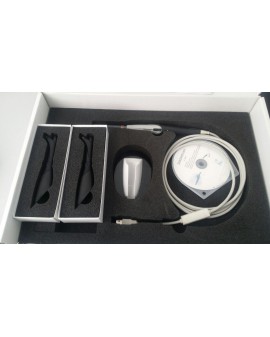
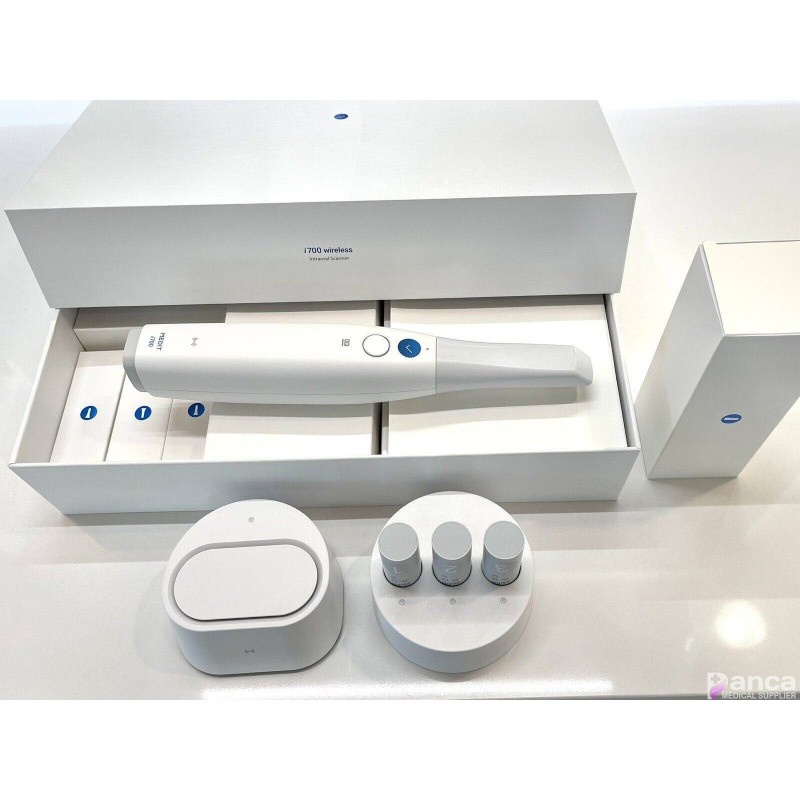
Fast, Precise Scanning. Elevate your dental care with the top-tier Medit i700, making visits quicker and more comfortable without sacrificing accuracy.